How to Recover Settings Files from Backup
Estimated Reading Time: 1 MinutesHow to recover Settings Files from Backup September 2024
Introduction
This process allows you to recover various Gym Assistant Settings.
As with any bulk change done in Gym Assistant, do a manual backup of data prior to making the change (instructions to preform a manual backup titled How to Do a Manual Backup included in knowledge base articles).
Be in the Gym Assistant program.
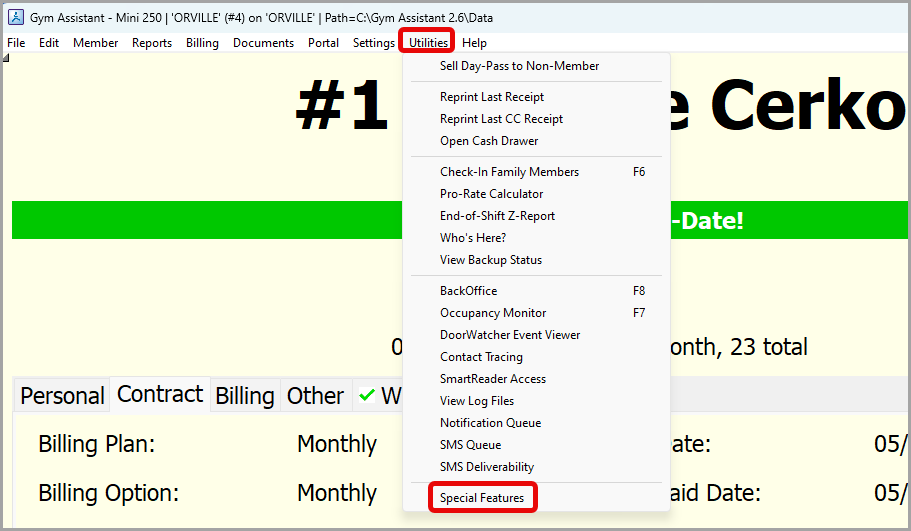
- Begin by clicking Utilities > Special Features.
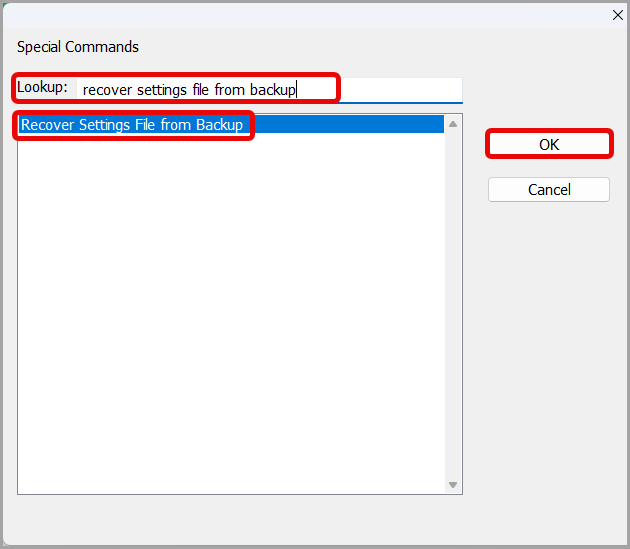
- Type Recover Settings File from Backup in the lookup box > click OK.
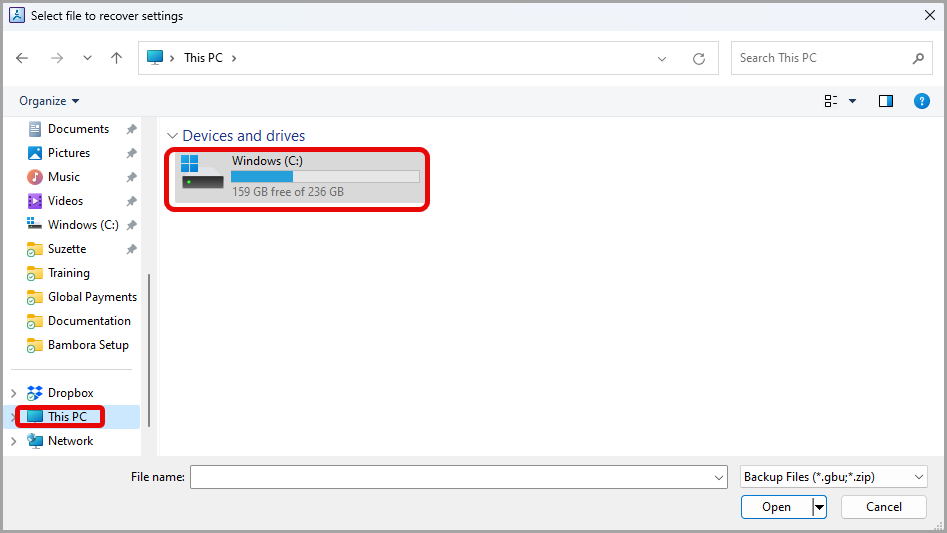
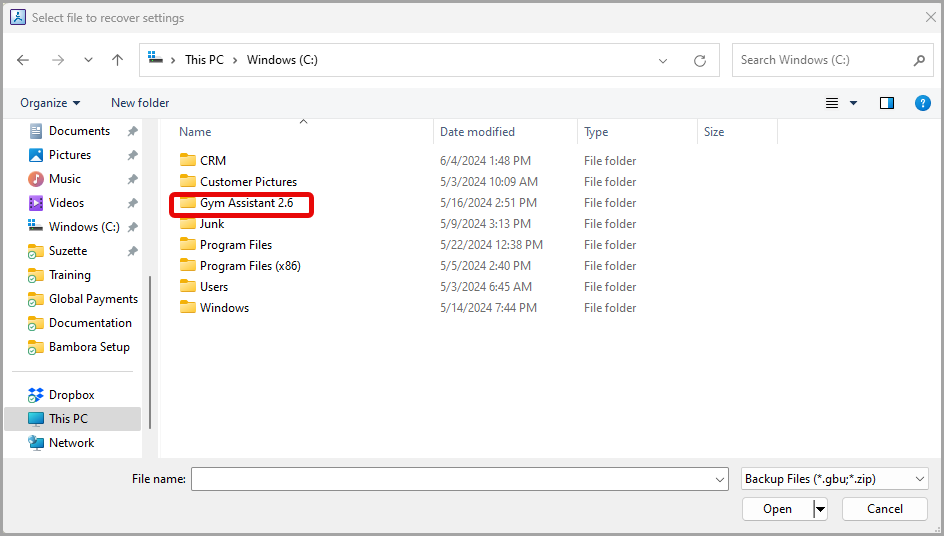
- Click This PC > double click Windows (C:).
- Double click on the Gym Assistant 2.6 folder.
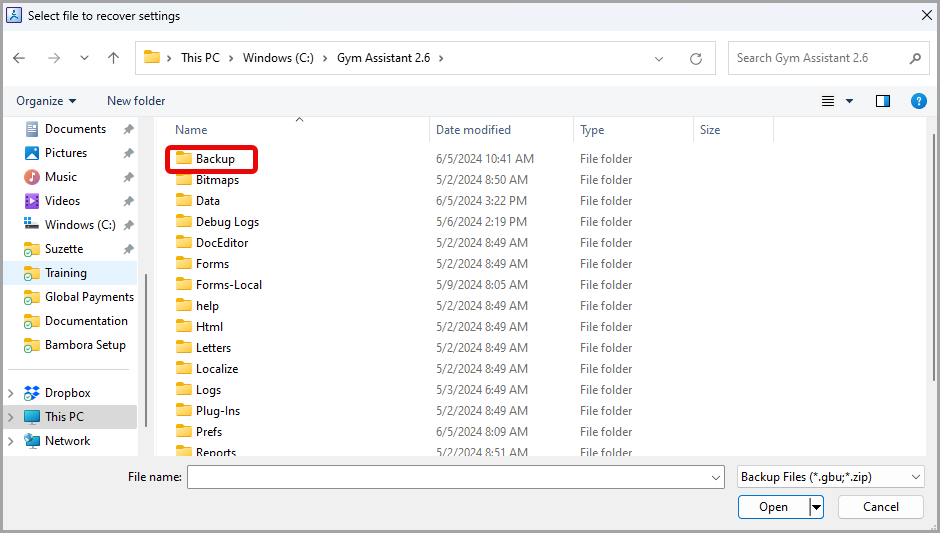
- Double click on Backup.
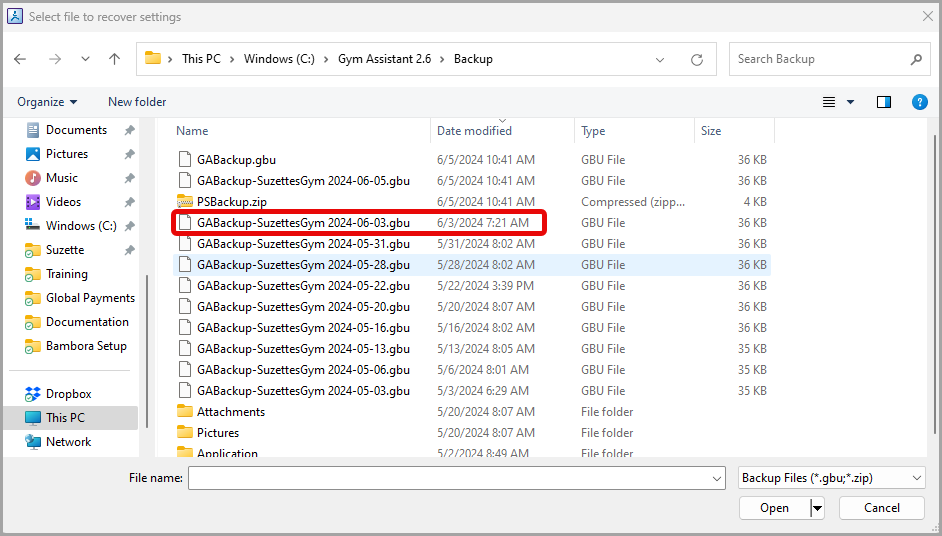
- Double click on the GABackup.gbu file from a date prior to the settings changing > click enter on your keyboard.
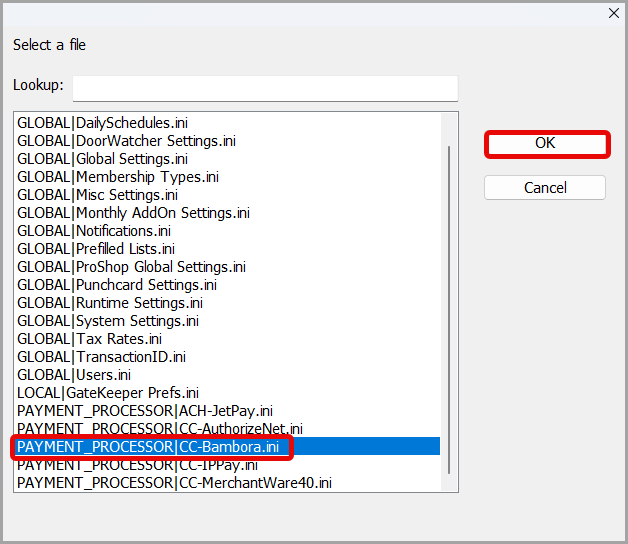
- Select the particular settings file you are trying to recreate from the list > click OK.
- Review the information for accuracy > click Continue.
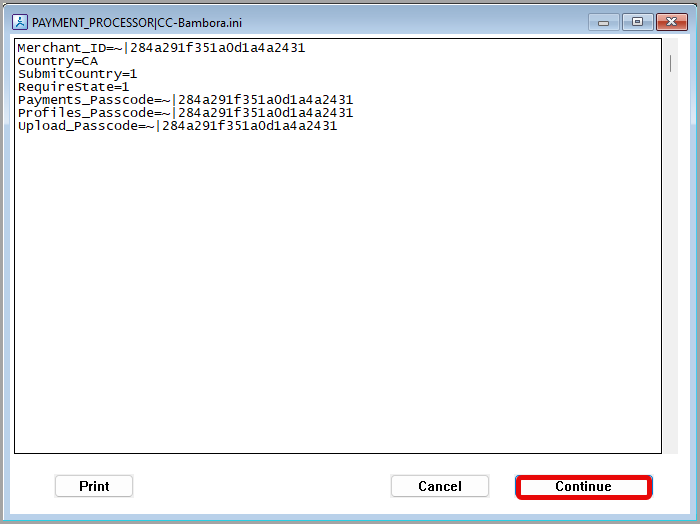
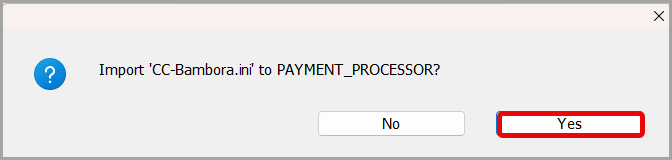
- Click Yes when asked to Import the selected information.
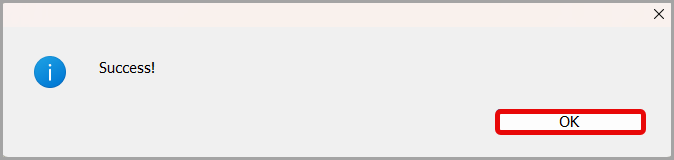
- Click OK in the box indicating Success.
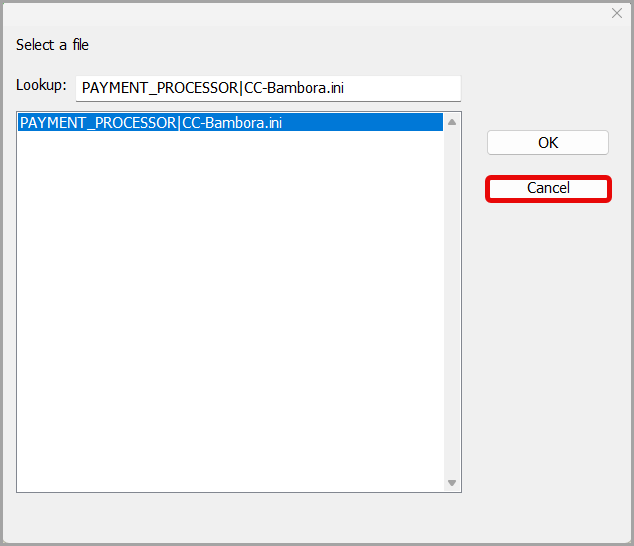
- Click Cancel in the final box to exit the Select a file screen.
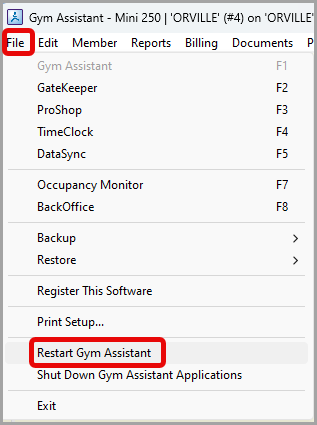
- Go to File > Restart Gym Assistant to complete the process.